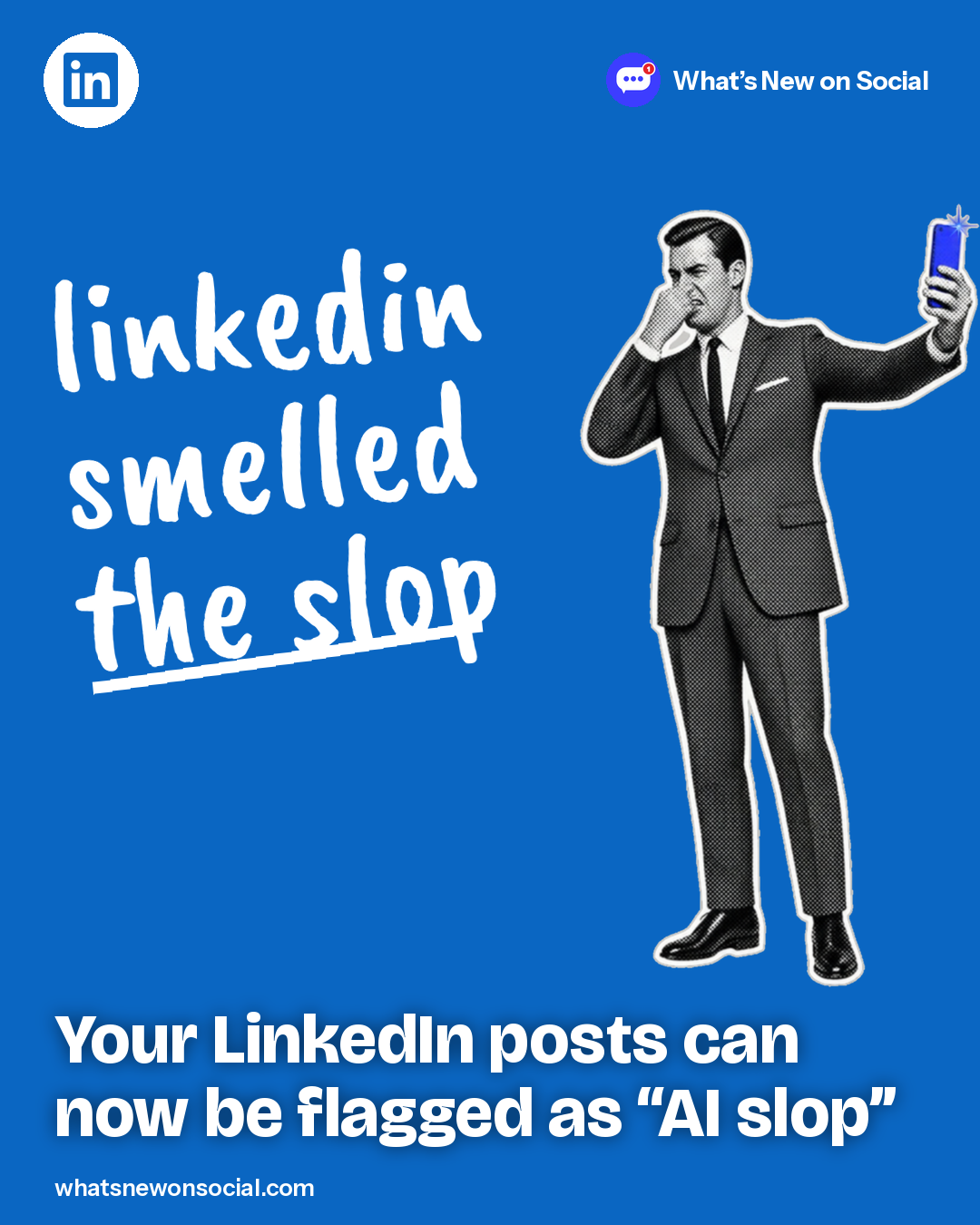
TL;DR LinkedIn members can flag posts and comments as “seems like AI slop,” and LinkedIn limits the reach of what its systems classify that way.
● Live
Who gets it: All LinkedIn members
LinkedIn rolled out a “Seems like AI slop” option in August and shared the results on September 15, 2026. To use it, click the three dots on a post or comment. LinkedIn says more than one million members used it in the first two weeks.
If a post gets enough of this feedback, its author may see a tip in Post analytics. LinkedIn says it has built classifiers to spot and limit the distribution of AI slop, and that views of content classified that way fell 40%. It also blocks hundreds of thousands of automated comment attempts a day.
What it means for your next post
- Open with a specific detail from your own work instead of a generic hook.
- Check Post analytics after each post for LinkedIn’s AI feedback tip.
- Rewrite AI drafts in your own words and examples before you post.
Do this today
Open Post analytics on your last five LinkedIn posts and look for an AI feedback tip, then write your next post from scratch.
Quick answers
How do you report AI slop on LinkedIn?
Click the three dots on a post or comment and choose “Seems like AI slop.”
What happens to posts flagged as AI slop?
LinkedIn limits the distribution of content its systems classify as AI slop; views of that content fell 40%. If a post gets enough feedback, its author may see a tip in Post analytics.
How many people use the AI slop button?
More than one million members in the first two weeks, according to LinkedIn.
Related on What’s New on Social