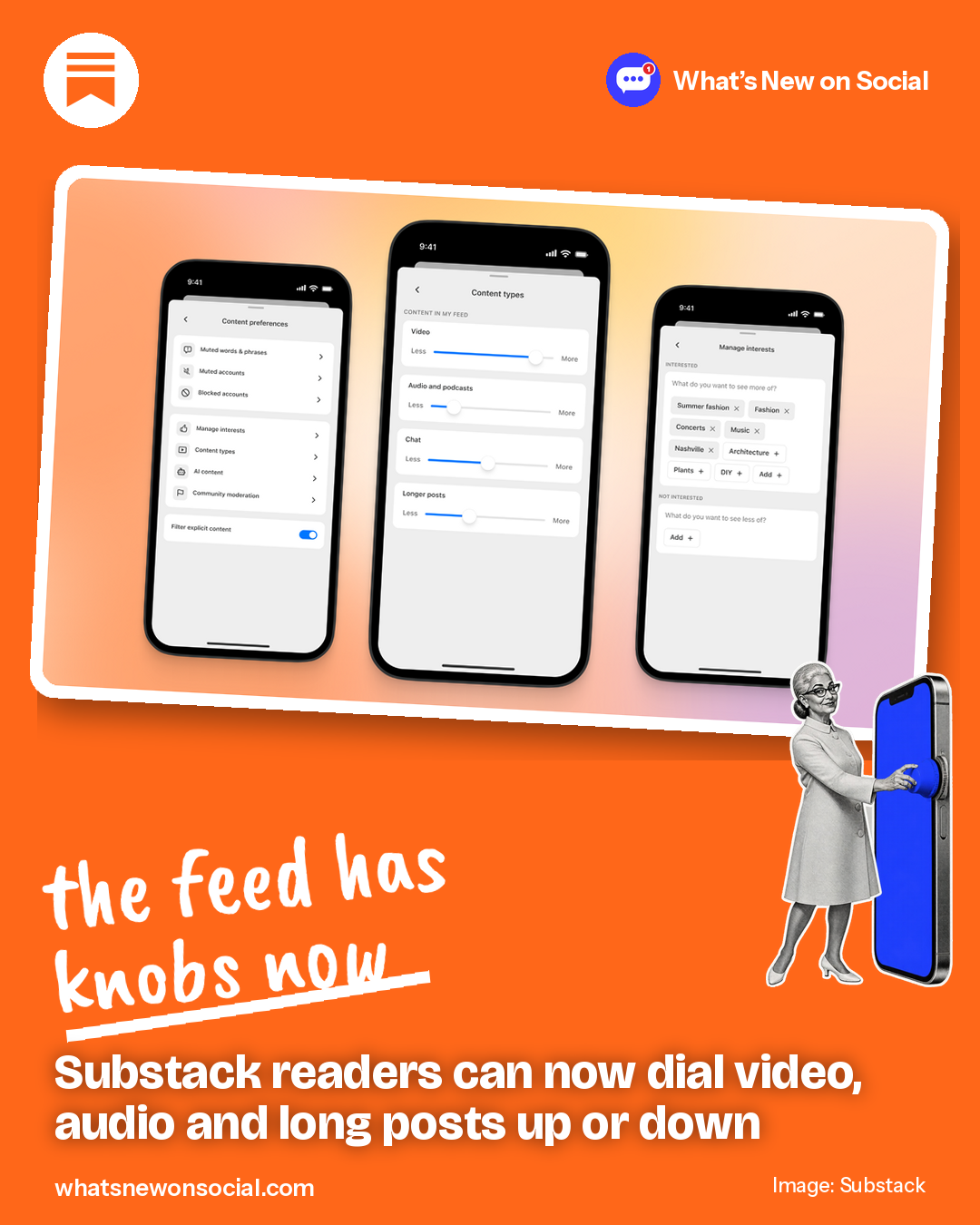
TL;DR Substack readers can now turn video, audio, chat and longer posts up or down in their feed, so your format choices matter more.
● Live
Who gets it: readers, in Settings on web and app

Substack launched new content preferences on October 14. Under Settings, then Content preferences, readers get sliders for video, audio and podcasts, chat and longer posts, each set from Less to More. They can also mute up to 50 words or phrases and list topics they want more or less of.
There is also an opt-in label for posts and notes that Substack’s detector finds fully AI-generated. It is off by default, shows only to the reader who turns it on, and checks text over 100 words. Substack says following a writer is still the main way to shape the Home feed.
What it means for your next post
- Keep your Notes on one clear topic, so readers who pick that topic see more of you.
- Add a short text summary to every video and audio post for readers who turned those down.
- Write in your own words; readers can now label fully AI-written posts.
Do this today
Post a Note asking your readers which they want more of from you: video, audio or long reads.
Source: Substack, October 14, 2026