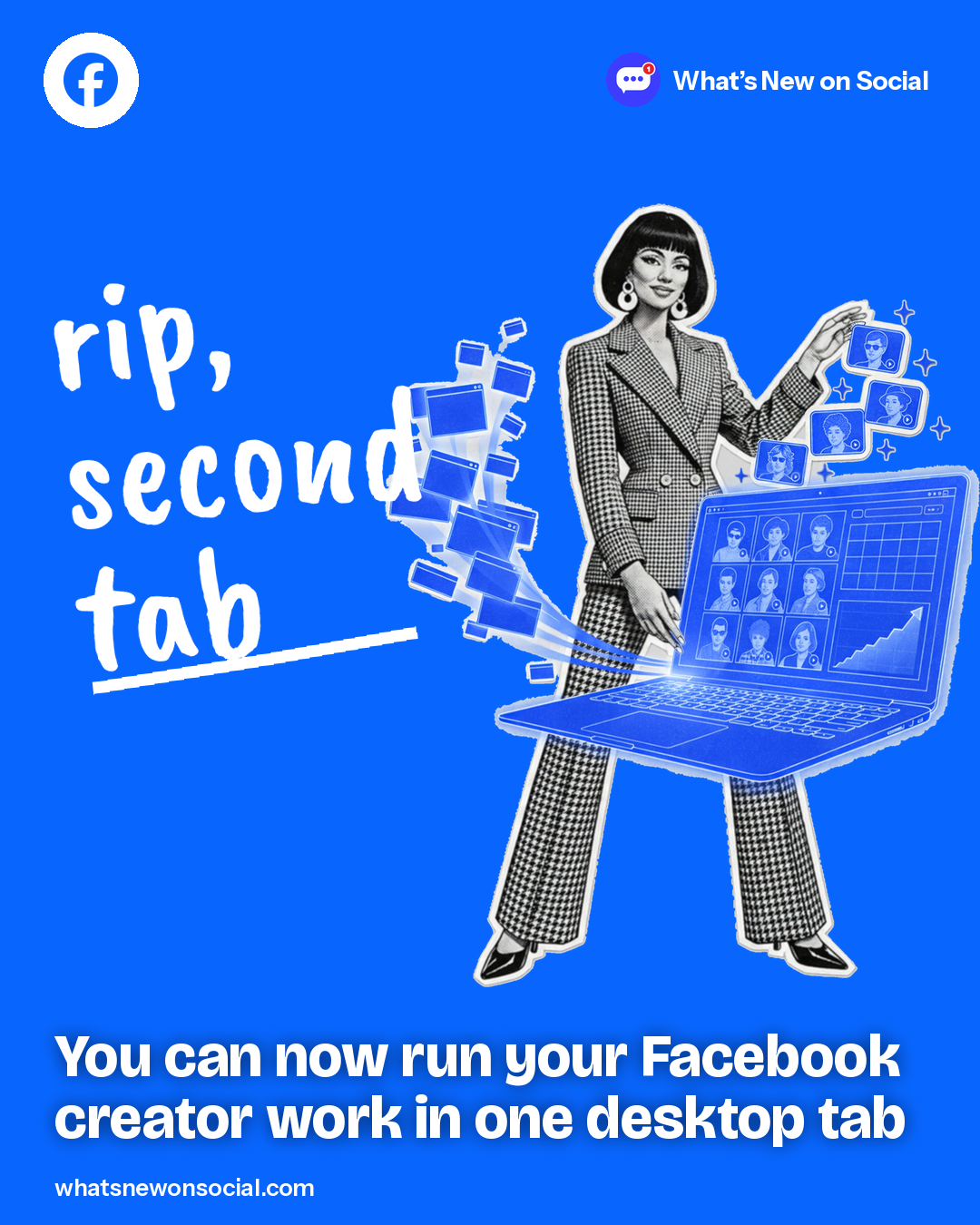
TL;DR Facebook moved its creator tools from Business Suite into Creator Dashboard on web, so posting, insights, DMs and monetization share one desktop tab.
● Live
Who gets it: Facebook creators and Pages, on desktop
Creator Dashboard on web has a rebuilt composer for posts and Reels with a live preview, plus trimming, cropping and music at publish. One post can go to Instagram, a Facebook story or other Pages you manage in the same flow, and you can bulk-upload videos into playlists.
It also adds a content planner, a searchable library, insights for Instagram posts too, the creator assistant, content protection, bulk invite-to-follow and Messenger for Pages. Eligible creators can sign up for stars, subscriptions and content monetization there.
What it means for your next post
- Batch-upload a week of Reels and slot them into the planner.
- Send each post to Instagram and your Facebook story in one flow.
- Bulk-invite people who engaged with your Page to follow it.
Do this today
Open Creator Dashboard on desktop, bulk-upload your next batch of Reels and map them in the content planner.
Quick answers
Can I use Facebook Creator Dashboard on a computer?
Yes. Facebook says the creator tools you used in Meta Business Suite are now in Creator Dashboard on web, including the composer, insights, content library and content planner.
Do I still need Meta Business Suite to post as a Facebook creator?
Not for your creator work. Facebook says you can now do it all in Creator Dashboard on web instead of opening Business Suite in a second tab.
Can I sign up for Facebook stars and subscriptions on desktop?
Yes, if you’re eligible. Creator Dashboard on web now handles onboarding for stars, subscriptions and content monetization.
Related on What’s New on Social